SuperCook is a search box. Sometimes you need a cook.
SuperCook is good at one job: you tick the food you have, and it finds recipes in a database that use as much of it as possible. It is less good when the household has rules, or when the right dinner is not already in that database.
What SuperCook is actually for
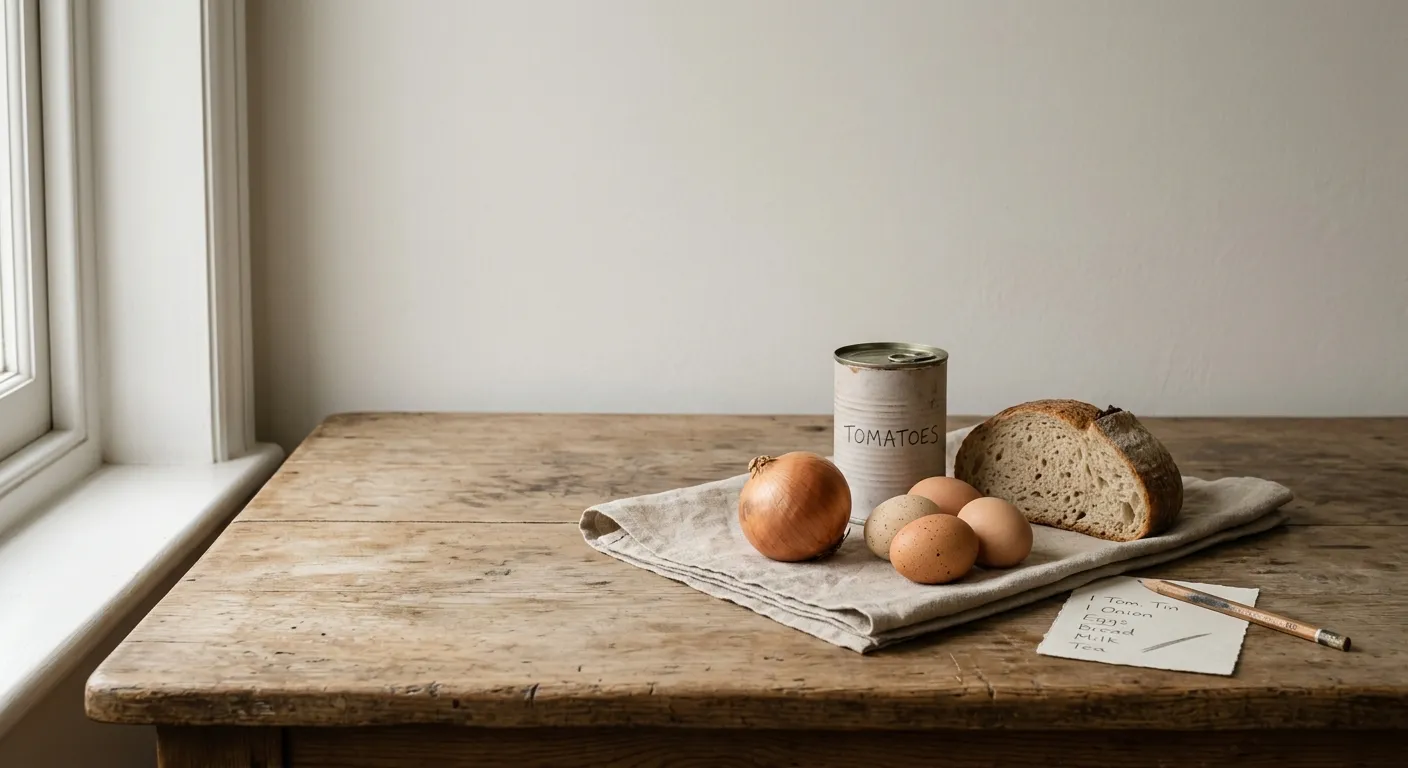
SuperCook starts from waste. You tell it what is in the house, and it looks for recipes that use as many of those ingredients as it can, so the half onion and the open tin do not die at the back of the fridge.
That is a decent idea. Most recipe sites start from a dish you already want. SuperCook starts from the shelf. If you have ever stood there thinking "there must be something in this", you already understand the product.
Where the ticking gets tedious
You still do the inventory by hand. There is no photo of the fridge that turns into a list. Dietary preferences, allergies and the things a particular person will not eat are thin or missing, so you filter with your eyes after the results come back.
And it can only find recipes someone has already written. If your combination is odd — leftover roast, a sad courgette, yoghurt, and a child who refuses anything green on the plate — a database either shrugs or hands you a recipe that quietly needs twelve things you do not have.
When generating is the better move
Menuistia takes the same starting point and writes a recipe for it, using the rules you have already set: allergies, diet, dislikes, how many people, easy or quick. A photo of the ingredients works if you do not want to tick boxes. If the rest of the week is empty, the same list can become a plan and a shopping list for the gaps, rather than one lucky match.
Keep SuperCook if you like browsing a fixed catalogue and you do not mind checking every recipe against the household. Use a generator when the catalogue does not contain your Tuesday.
Related guides
Get cooking!